
How do I get VPN 📄 File (config.json)?
For Linux, QubesOS, and Raspberry Pi Wi-Fi platforms, we provide subscribers of VPN.svoboda.center with a configuration 📄 File (config.json), that works with xray-core. If you are not yet subscribed to our VPN, go to our Telegram bot VPN.svoboda.center and get a subscription (you don’t have to pay, you can take the free 3-day trial). In the Telegram bot, go to the menu 🌐 Connect > 👤 My Connections > Select the server you want to connect to.
In the menu that opens, click 📄 File. 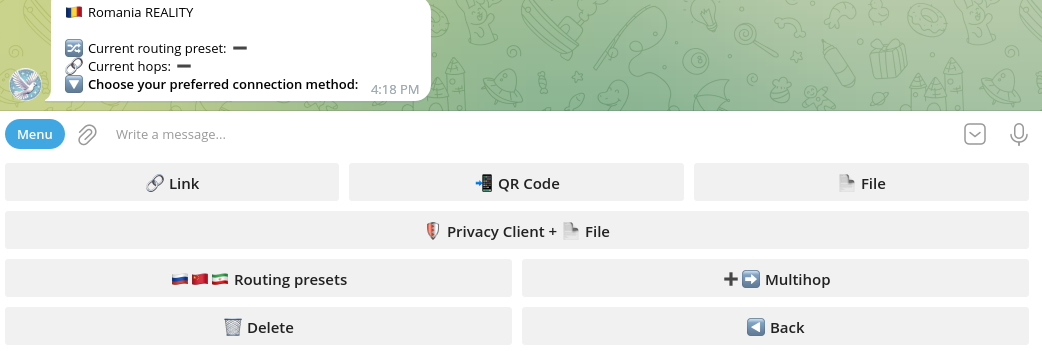
The bot will provide you with a config.json file. Right-click on it and click “Save as…”, then choose the download path. 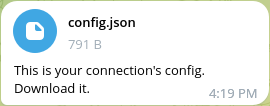
This guide will be useful for those following one of our other guides: Setting up Xray VPN with DNSCrypt in QubesOS Setting Up a Raspberry Pi as a Wi-Fi Access Point with SOCKS5 Proxy or Xray Bypassing Censorship in China, Iran & Russia: Tor Connectivity in QubesOS with Whonix
If you have a custom xray installation, you need to transfer this file to the default path: /usr/local/etc/xray/config.json and restart xray.
 If you want to support us, you can donate here: Donate